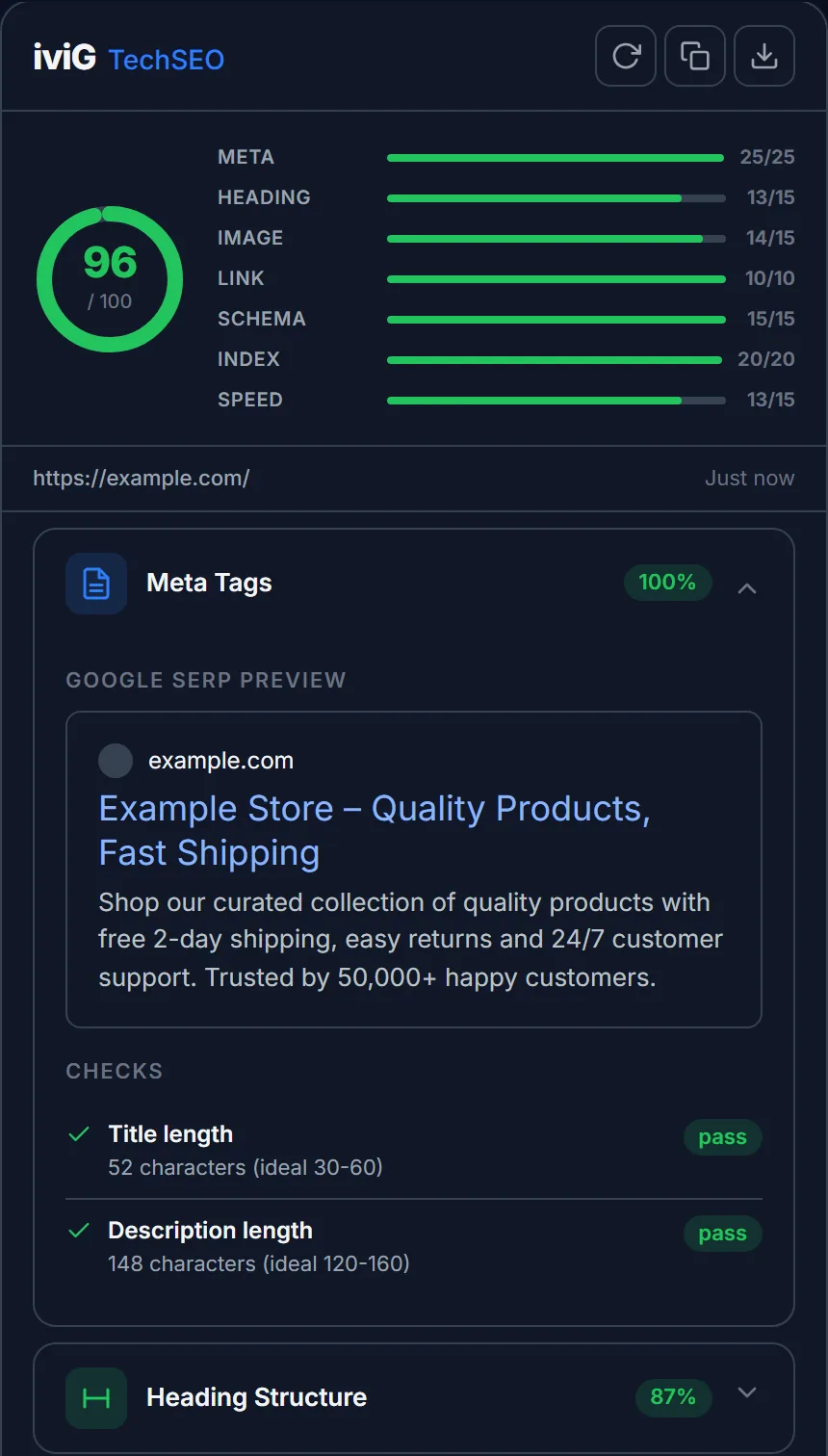
Click the extension icon on any page and get a 0 to 100 SEO health score in seconds. Seven check areas, every result marked pass, warn or fail, with the reason spelled out. No account, no tab-switching, no waiting on a web crawler.
Built by a technical SEO consultant who runs these exact checks at the start of every paid audit.
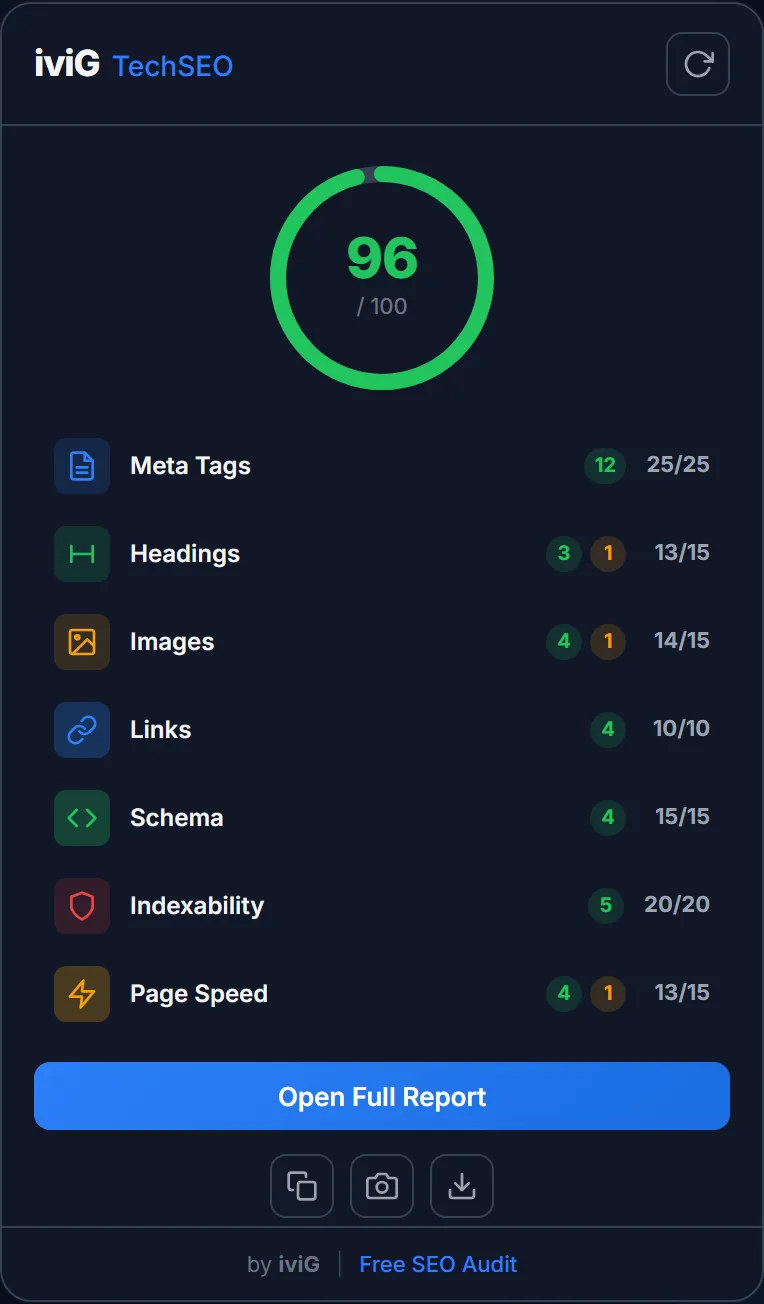
The popup gives you the score. The side panel gives you the why: every check area expands into detailed pass, warn and fail results, displayed right next to the page they describe.
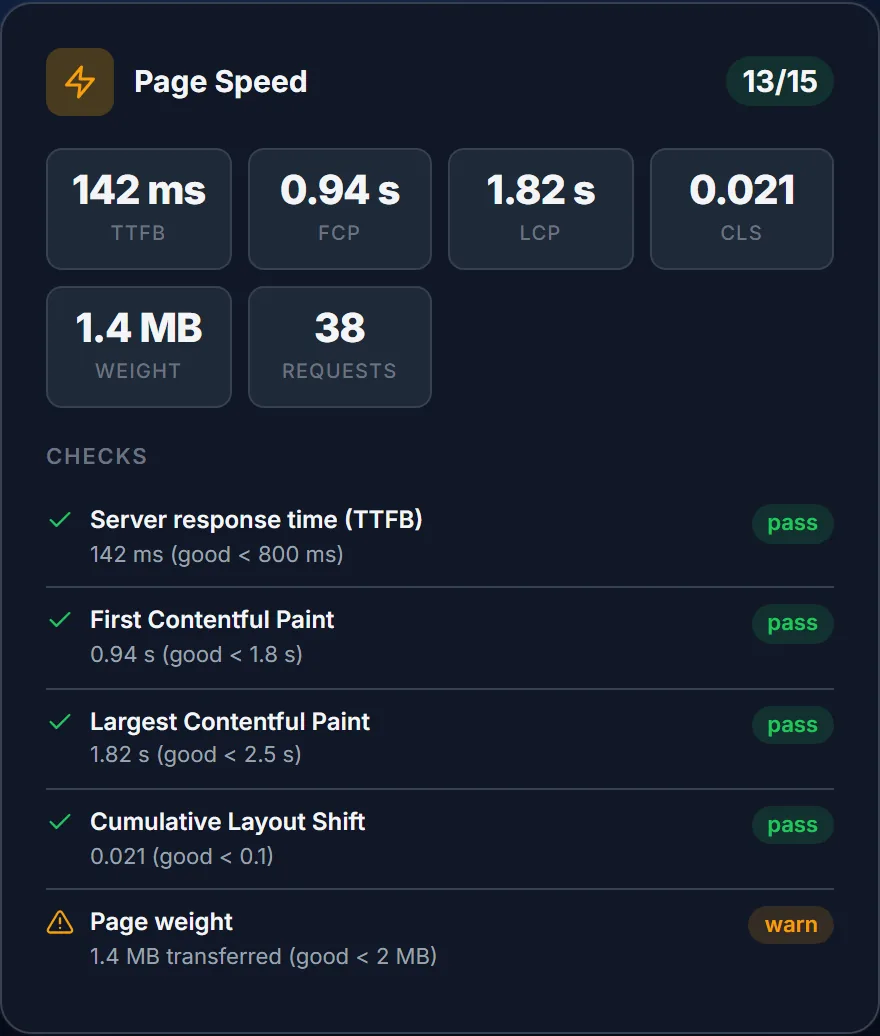
The Page Speed module measures the page you're on, live: server response time, First Contentful Paint, Largest Contentful Paint, layout shift, transfer weight and request count. Each metric gets graded with the same good and needs-improvement bands Google documents for Core Web Vitals.
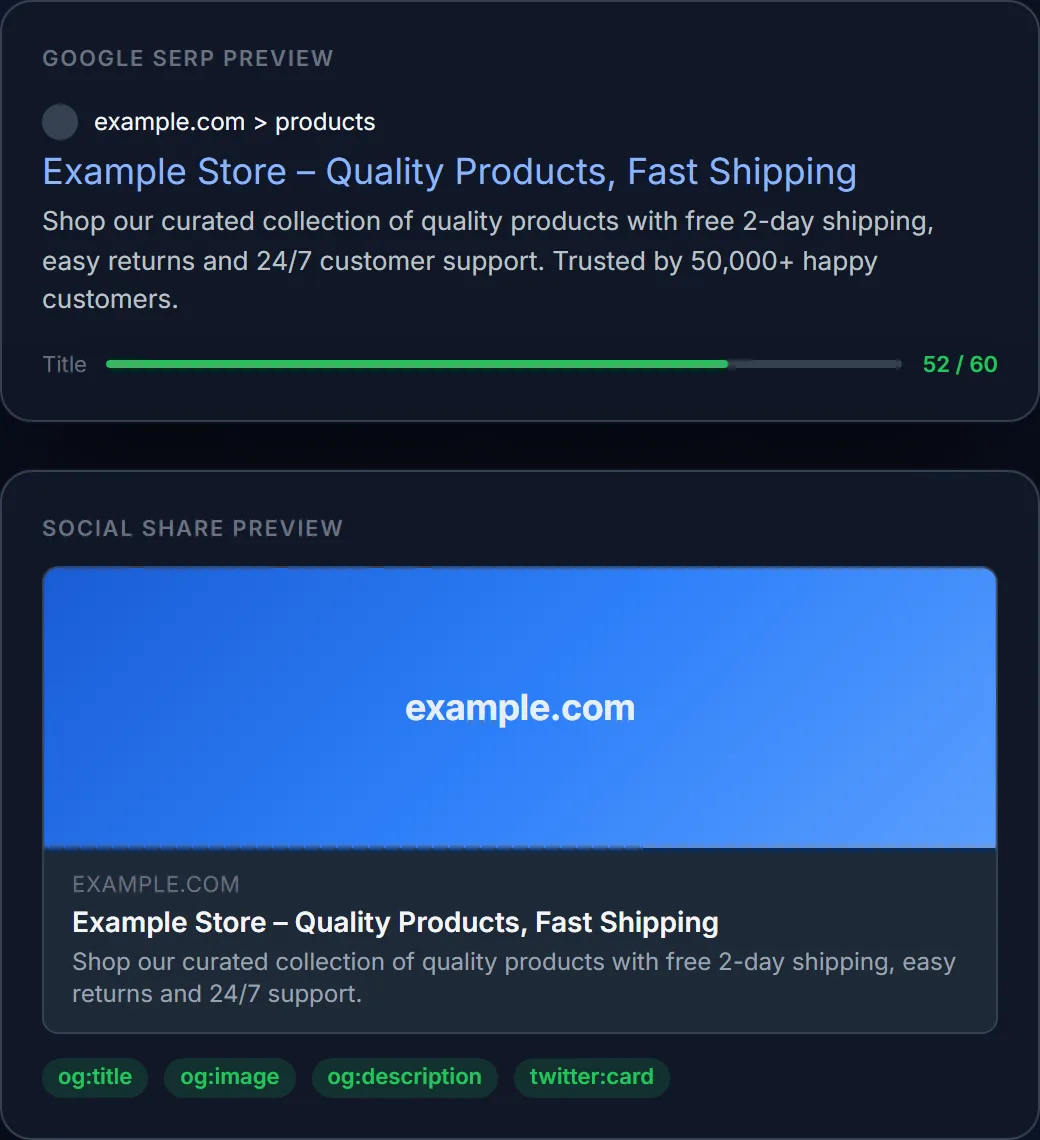
Live previews of your Google search snippet and your social share card, with character meters that flag titles and descriptions before they get cut off in results.
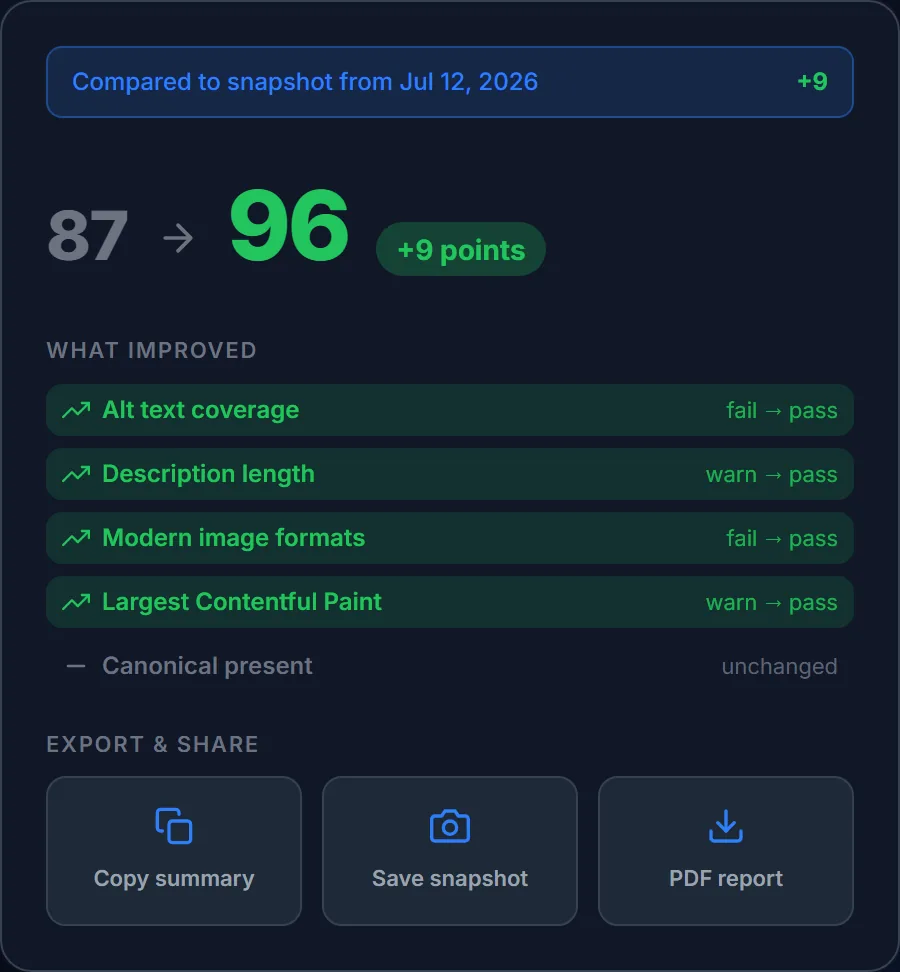
Save a snapshot before you touch anything, re-run the audit after your fixes, and the comparison shows exactly which checks moved from fail to pass, and by how many points. Then hand over the proof.
Click the button, confirm the install on the Chrome Web Store. About 300 KB, done in seconds.
Click the puzzle icon in Chrome's toolbar and pin TechSEO Inspector so it stays one click away.
Open a page, click the icon, read the score. Open the side panel when you want the full story.
The audit runs inside your browser. The extension has no analytics, no tracking, no account system and no server of its own. The only network requests it ever makes are the ones the audit needs: checking whether your links are broken and fetching the robots.txt of the site you're auditing.
It costs nothing and takes a minute to set up. And if the score comes back lower than you'd like, that's what I do for a living: the free audit tells you what I'd fix first, and I can fix it myself.